Create a Store
To begin managing your business on CashOver, the first step is to create a store. This store becomes your central hub for all operations like menus, orders, offers, and employee management.
Eligible Store Types
Our platform is designed for real-time delivery businesses—stores whose products can be delivered quickly and conveniently by bikers or riders.
Allowed store types include:
- Restaurants and cafés
- Grocery and convenience stores
- Beverage shops (coffee, tea, smoothies, etc.)
- Flower and gift shops
- Pharmacies or small essentials stores
Not allowed store types:
- Stores selling large or heavy items (e.g., washing machines, furniture, appliances)
- Businesses requiring complex or scheduled logistics (e.g., construction materials, vehicles)
- Stores offering services or digital goods without physical delivery
⚠️ All products must be deliverable by motorcycle or bicycle within a reasonable time frame.
Stores that do not meet these requirements may be declined or removed in accordance with our Compliance and Ethical Usage Policy.
How to create a store
-
Log in to the CashOver Merchant Dashboard.
-
If no stores, you will be prompted to create one.
-
To create a new store, click on the top left store drop down.
-
Click on Create Store at the bottom.
-
Fill in required details:
- Store name
- Business type (restaurant, grocery, etc.)
- Contact number
- Store address/location
- Opening Days
-
Upload your store’s logo and banner image.
-
Add your social media if applicable.
-
Save changes to publish the store.
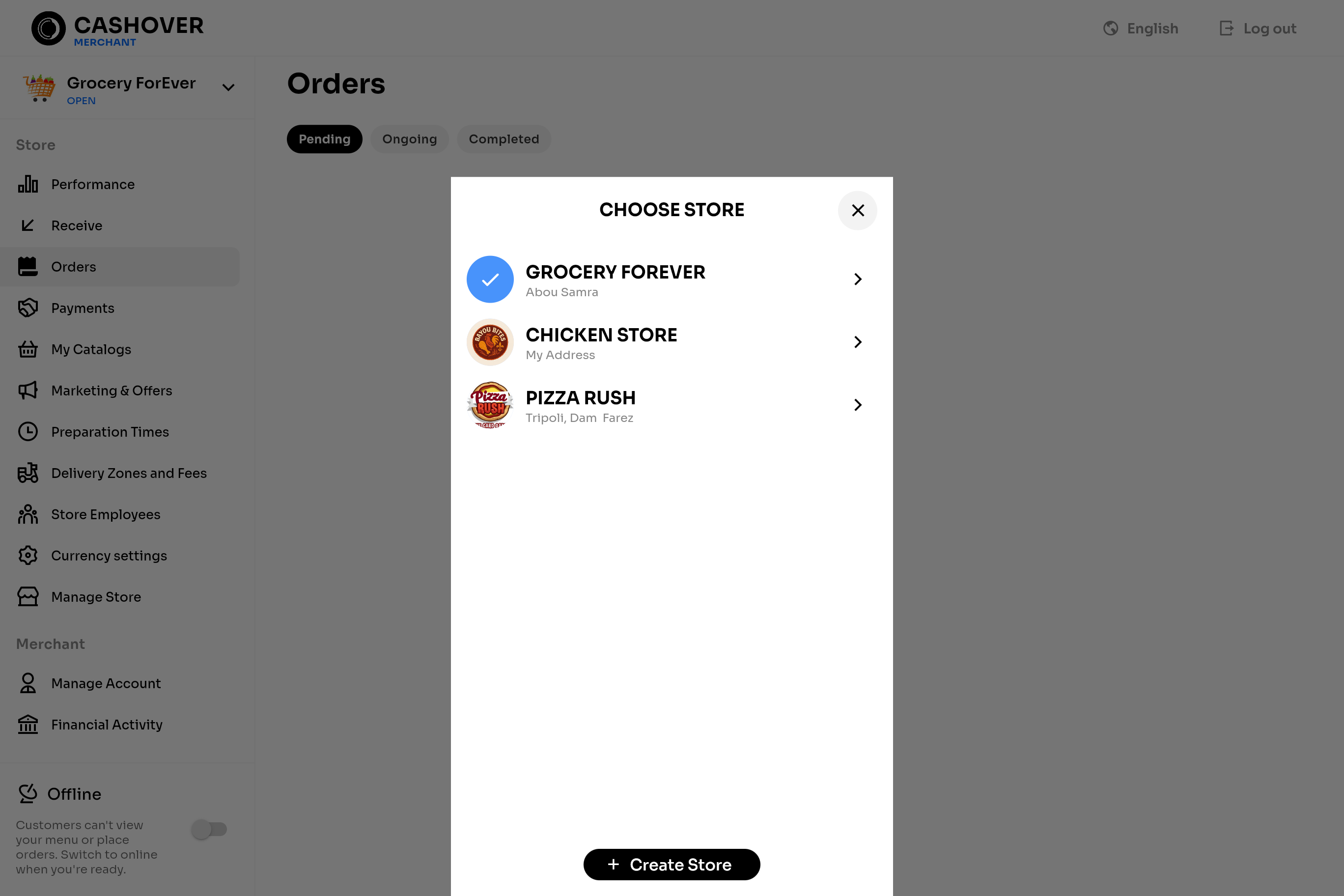
📌 You can create and manage multiple stores from the same account.
Your next step now is to create a category.